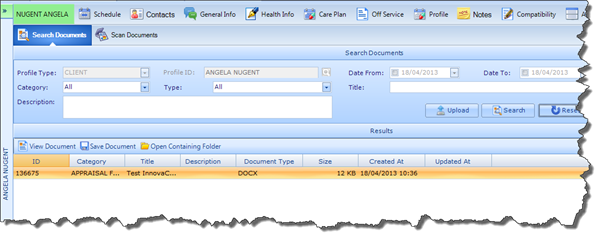
The Search Documents tab will automatically open when you click on Documents.
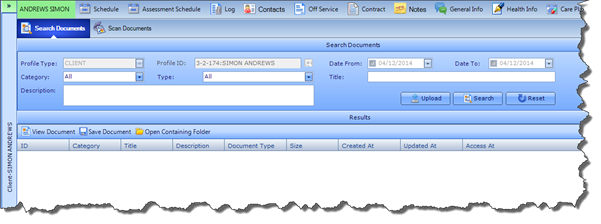
The search facility allows you to search for any Document that has been linked with this Client Profile. You can search by Date Parameters, Category, Type, Title and Description. Once you have selected the desired search criteria, click the Search button and the returned results will be displayed in the results pane as illustrated below: