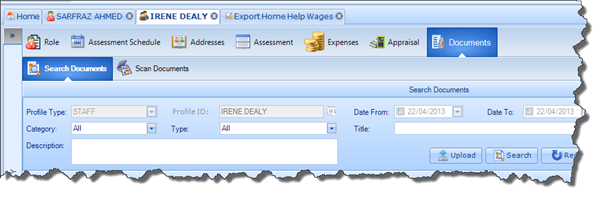
The Documents screen allows you to attach Documents to the Staff Member’s Profile. You can also scan Documents onto the application as long as your PC is connected to the required hardware. The screen can be accessed via the ribbon bar on the Staff Member’s Profile, as illustrated below: