

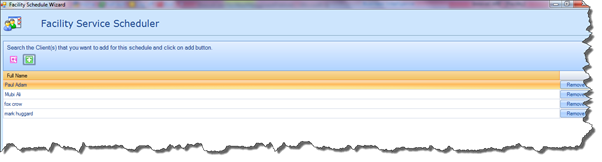
Here you will have the option of Linking Client Profiles to the Schedule, i.e. the people the Carers will attend to when they visit the Facility.
Simply click the Search button to open the Search Client screen. Once you have selected the required Clients, click the Add icon to add them to the Schedule.
|
|
You do not have to add a specific Client to the Facility Schedule; however, the functionality is available if required. It is also important to note that you will only be able to search on Clients who are linked to the Facility in the Facility Client tab. For more details please refer to the Clients section of this document. |
